
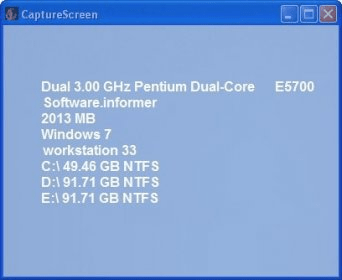
CaptureScreen is a simple application that allows you to capture a region of the screen or the entire window. You will only be able to capture rectangular regions and you will have to manually adjust the size of the region you want to cover. The program offers hotkeys for all the actions, and you can also customize them from the Options menu. From that menu, you will also be able to adjust the exposure time and transparency percentage of the user interface. Unfortunately, the program doesn't offer a built-in editor to edit your images, but you can apply a great number of effects to them. The resulting image can be saved to a desired folder (supported formats are png, jpg,bmp, gif, and tif), printed, or copied to clipboard. It would be great if it also allowed you to capture active windows or free-hand regions. The user interface is intuitive, but not very attractive.
All in all, CaptureScreen is a simple and intuitive screen capturer, which offers limited options, but still may work for you. Besides, it is completely free, so I suggest you try it.





Comments